
📸 डिलीट फोटो रिकवरी अभी शुरू करें
अपने मोबाइल से डिलीट हुई फोटो आसानी से वापस पाएं
✅ तेज • सुरक्षित • मोबाइल सपोर्टेड
Accidentally deleting important photos can feel devastating, especially when those images contain memories, family moments, work files, travel pictures, or personal documents you cannot replace. The good news is that deleted photos are often not permanently erased immediately. In many cases, they remain recoverable for days or even weeks depending on your device, storage usage, and backup settings. Whether you use Android, iPhone, a laptop, or an SD card, there are several reliable ways to restore deleted pictures safely in 2026.

How Deleted Photo Recovery Actually Works
Most people believe deleted photos disappear permanently the moment they are removed from a gallery or recycle bin. In reality, modern storage systems usually mark deleted files as “available space” instead of instantly destroying them. This means recovery software can often locate and restore those files before new data overwrites them. The faster you act after accidental deletion, the higher your recovery success rate becomes.
Phones, laptops, cloud storage services, and memory cards all use slightly different recovery mechanisms. Android devices may store deleted images temporarily inside the Trash folder, while iPhones keep deleted media inside the Recently Deleted album for up to 30 days. Computers also maintain deleted files inside recycle bins before permanent removal. Understanding these systems gives you a major advantage when trying to recover lost photos successfully.
| Device Type | Temporary Recovery Folder | Typical Recovery Window |
|---|---|---|
| Android Phone | Gallery Trash / Google Photos Bin | 30 Days |
| iPhone | Recently Deleted Album | 30 Days |
| Windows PC | Recycle Bin | Until Removed |
| MacBook | Trash Folder | Until Emptied |
| Google Photos | Cloud Trash | 60 Days |
| SD Card | No Built-in Bin | Depends on Overwrite |
Method 1: Recover Deleted Photos from Android Phones
Android smartphones offer multiple recovery methods depending on the phone brand and backup settings. Samsung, Xiaomi, OnePlus, Vivo, Oppo, and Realme devices usually include built-in recycle bins inside their gallery apps. Google Photos also keeps deleted images inside the Bin folder for a limited period before permanent deletion.
The easiest recovery method is checking your gallery trash folder first. Open the Gallery app, navigate to the Trash or Recently Deleted section, select the photos you want to restore, and tap Recover. If the images were backed up to Google Photos, you can also restore them from the Google Photos Bin even after deleting them from your phone gallery.
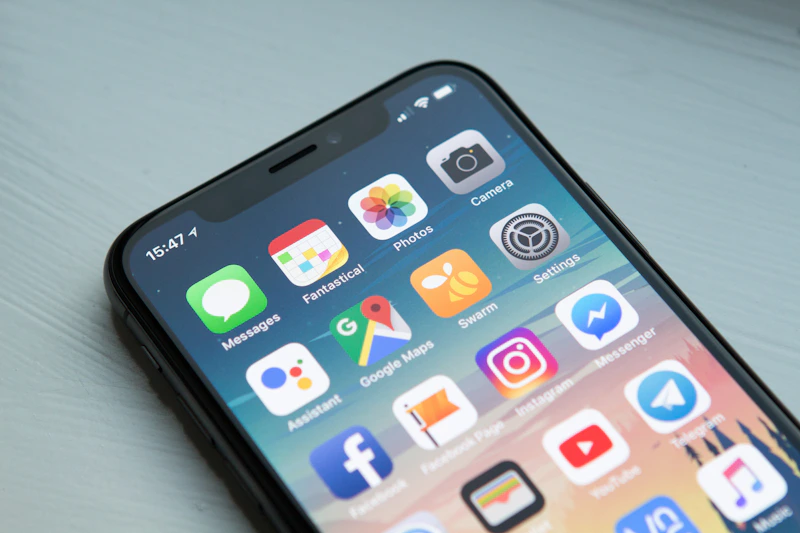
- Open your Gallery app — look for Trash, Bin, or Recently Deleted folders.
- Check Google Photos — many Android devices sync photos automatically.
- Restore quickly — deleted files become harder to recover over time.
- Avoid installing unnecessary apps — new data may overwrite deleted files.
- Enable cloud backup — automatic backups improve future recovery chances.
| Android Recovery Method | Difficulty Level | Success Rate |
|---|---|---|
| Gallery Trash Folder | Easy | Very High |
| Google Photos Bin | Easy | Very High |
| Cloud Backup Restore | Medium | High |
| Recovery Software | Advanced | Medium to High |
Method 2: Recover Deleted Photos from iPhone
Apple devices include a built-in Recently Deleted album that stores deleted photos and videos for up to 30 days before permanent removal. Many users recover deleted images successfully simply by checking this folder immediately after accidental deletion. If iCloud Photos backup is enabled, your deleted pictures may also still exist inside your cloud account.
To recover deleted photos on iPhone, open the Photos app, scroll to Utilities, tap Recently Deleted, select the photos you want to restore, and press Recover. If the files are no longer there, your next option is restoring from an older iCloud or iTunes backup. However, restoring a full backup may overwrite newer phone data, so proceed carefully.

Best Photo Recovery Software in 2026
If built-in recovery folders fail, specialised recovery software becomes your best option. These tools scan device storage for deleted files that have not yet been overwritten. Some applications work directly on smartphones, while others require connecting your device to a laptop or PC.
| Recovery Tool | Supports Android | Supports iPhone | Free Version |
|---|---|---|---|
| DiskDigger | Yes | No | Yes |
| Dr.Fone | Yes | Yes | Trial |
| EaseUS MobiSaver | Yes | Yes | Limited |
| Stellar Photo Recovery | Yes | Yes | Limited |
| Tenorshare UltData | Yes | Yes | Trial |